Classic text chat
A simple prompt-and-response interface for writing, brainstorming, technical explanations, summaries, planning, and general assistance.
Friendly AI text chat for daily work, ideas, writing, and technical help.
AI Buddy is a classic text assistant for logged-in users. It keeps conversation history, supports personal instructions, renders clean markdown/code blocks, and starts with 100 free messages per day.
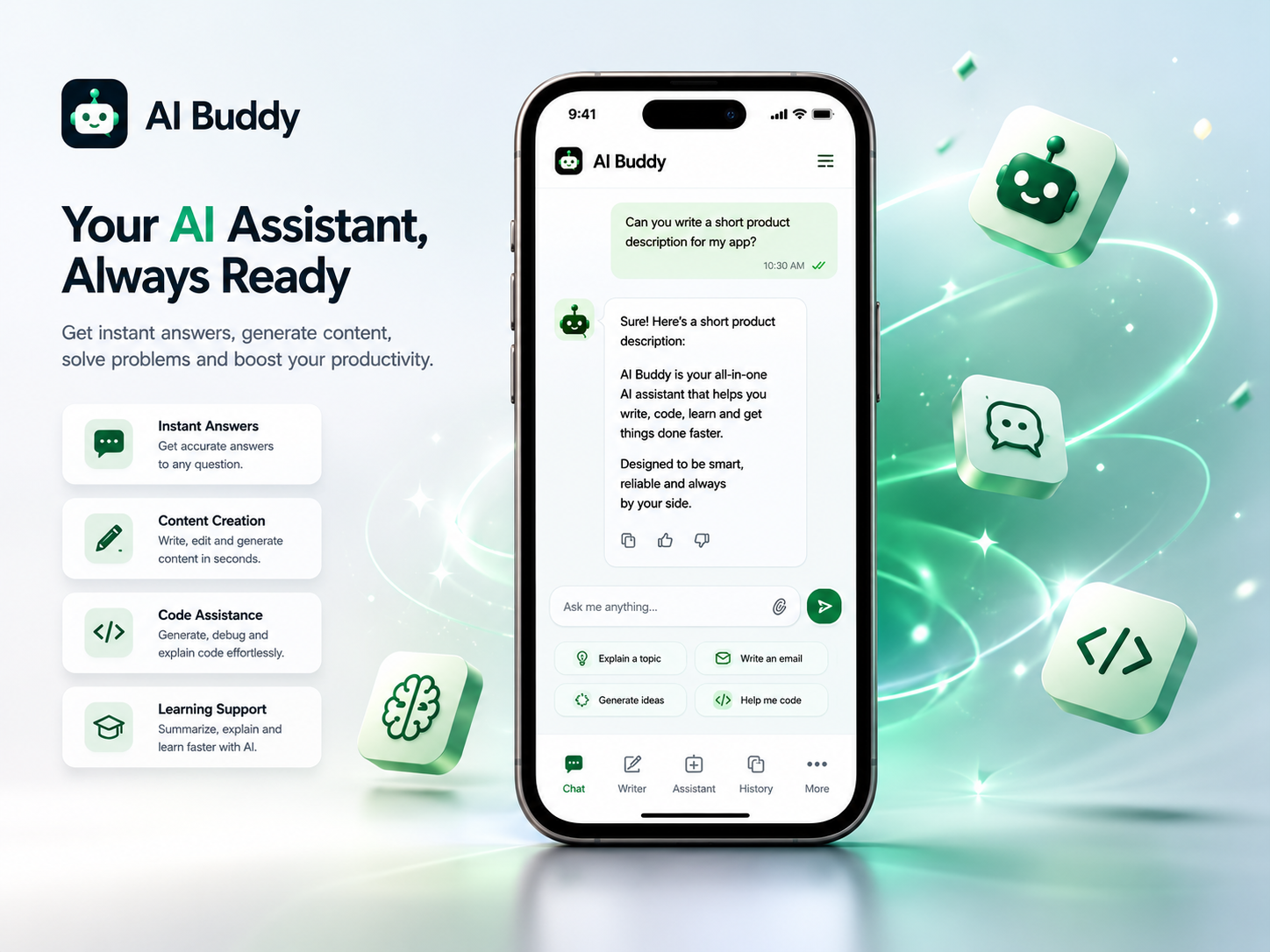
Product overview
AI Buddy is built as a practical text assistant inside the AI-tools account area. The first version focuses on the workflows people use every day: asking questions, drafting text, improving messages, planning work, explaining technical topics, and continuing older conversations without losing context.
Every logged-in user can start with the free daily allowance. Conversations are saved per account, so the left-side chat history becomes the working memory of the product. Personal instructions let each user define how the assistant should respond, such as preferred language, tone, formatting style, or how detailed answers should be.
A simple prompt-and-response interface for writing, brainstorming, technical explanations, summaries, planning, and general assistance.
Chats are stored in the account and listed in the sidebar, so users can return to previous work instead of starting from zero each time.
Users can define permanent preferences that are applied to their chat responses, making the assistant feel more consistent across sessions.
The free plan includes 200 messages per day. Usage warnings appear only near the limit, keeping the chat interface clean until attention is needed.
How it works
After login, the user opens AI Buddy from the product page. No checkout is needed for the free daily allowance.
A new prompt creates a saved conversation. Existing conversations stay available in the left sidebar and can be opened later.
The settings panel stores personal instructions such as preferred language, tone, answer length, or formatting rules.
Free users can send 200 messages per day. Plus expands daily capacity to 1000 messages, while Pro is prepared for heavy usage.
Use cases
Usage model
Available to every logged-in user. When the user passes 90% of the daily allowance, the app starts showing remaining messages.
For regular daily use. After 100 messages in a day, the app shows a fair-use notice while still allowing usage up to the Plus limit.
For heavy usage and users who want to avoid daily message limits in normal product use.
Core scope available in the current product release.
Every chat is stored in a left-side history, so users can continue old work later.
Logged-in users can send 100 messages per day before needing an upgrade or the next daily reset.
A settings panel lets users define personalization that is applied to their chat responses.
Responses are routed through the platform chat layer, so model/provider details can change without changing the user workflow.
Initial pricing structure for this tool.
Included for every logged-in user. No checkout needed.
200 messages per day
Recommended
More daily capacity for regular AI chat usage.
1000 messages per day
Unlimited message access for heavy daily usage.
Unlimited messages
Account connected product
Each subscription can track status, expiry, payment history, API keys, and product-specific quotas from the account dashboard.