GitHub PR URL input
Paste a pull request link and the product prepares the repository, PR number, metadata, branch names, and diff context automatically.
AI-assisted GitHub pull request review comments generated from a PR link.
Github-AI Pull Request Reviewer helps logged-in users review pull requests faster. It loads PR metadata and diff context, runs Codex in the background, saves generated review comments in the user library, and can post the approved comment back to GitHub through a GitHub App installation.
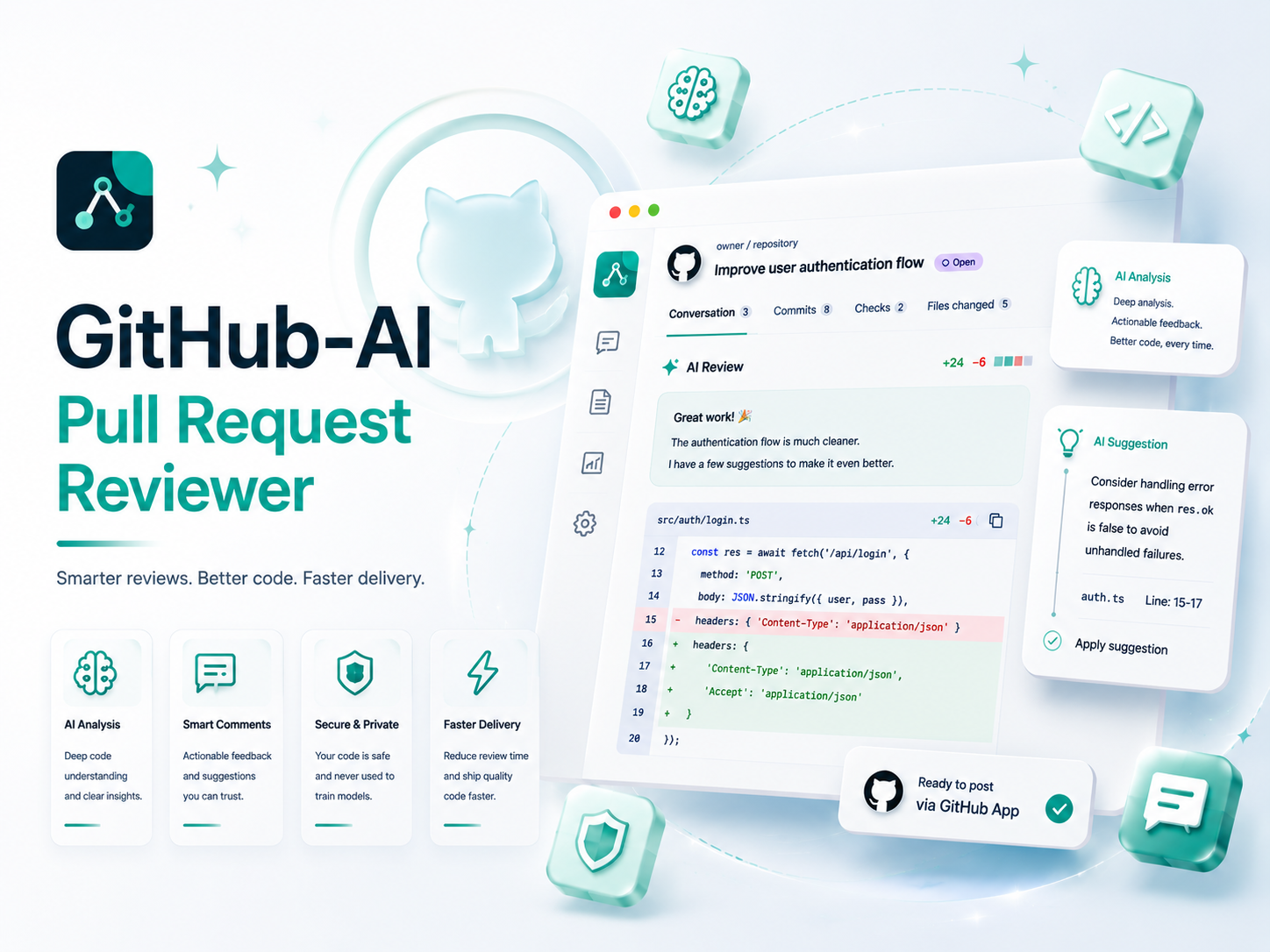
Product overview
Github-AI Pull Request Reviewer is built for teams and solo developers who want a fast second pass before code is merged. The user pastes a GitHub pull request URL, the product loads PR metadata and the diff, then Codex prepares a professional review comment focused on correctness, regressions, security, tests, maintainability, and clear next steps.
The workflow is designed around the way GitHub reviews actually happen. Generated comments are saved in the account library, can be edited before publishing, and can be posted back to the pull request through a GitHub App installation. During authorization GitHub lets the user choose whether the App is installed on a personal account or an organization, which keeps repository access explicit.
Paste a pull request link and the product prepares the repository, PR number, metadata, branch names, and diff context automatically.
Codex runs in the background and writes a structured Markdown comment ready for a GitHub review discussion.
The generated review can be reviewed, adjusted, copied, or submitted to GitHub after the user approves the final wording.
GitHub App authorization opens GitHub target selection so the user can connect a personal account or organization installation.
How it works
The user installs the App on the right GitHub target. GitHub asks whether the installation belongs to a personal account or an organization.
The product validates the GitHub PR link and stores a review job under the logged-in AI-tools account.
A background worker loads PR metadata and the diff, then asks Codex to produce a concise but useful Markdown review.
The generated review is shown in an editable comment box, so the user can adjust tone, remove anything irrelevant, or add team-specific context.
When the user clicks Submit comment, the product posts the final text to the pull request through the authorized GitHub App installation.
Use cases
Usage model
Every logged-in user can generate 30 pull request reviews total before choosing a monthly plan.
Designed for regular review assistance across active repositories and small teams.
Prepared for heavy review workflows where repository activity is high and monthly caps should not slow the team down.
Core scope available in the current product release.
Paste a GitHub pull request URL and the tool prepares repository, PR number, title, branch, and diff context.
Codex runs in the background and generates a structured Markdown comment for the pull request.
Review, adjust, copy, or submit the generated comment after the AI draft is ready.
Submit the final comment through an authorized GitHub App installation for a personal account or organization.
Generated PR reviews are saved in the user account library for future reference.
Free, Plus, and Pro plans track pull request review allowances per user account.
Initial pricing structure for this tool.
One-time starter allowance for logged-in users who want to test AI-assisted pull request reviews.
30 one-time pull request reviews
Recommended
Monthly review allowance for active repositories and regular pull request workflows.
200 pull request reviews per month
Unlimited pull request review access for heavy repository and team review workflows.
Unlimited pull request reviews
Account connected product
Each subscription can track status, expiry, payment history, API keys, and product-specific quotas from the account dashboard.