Native VS Code sidebar
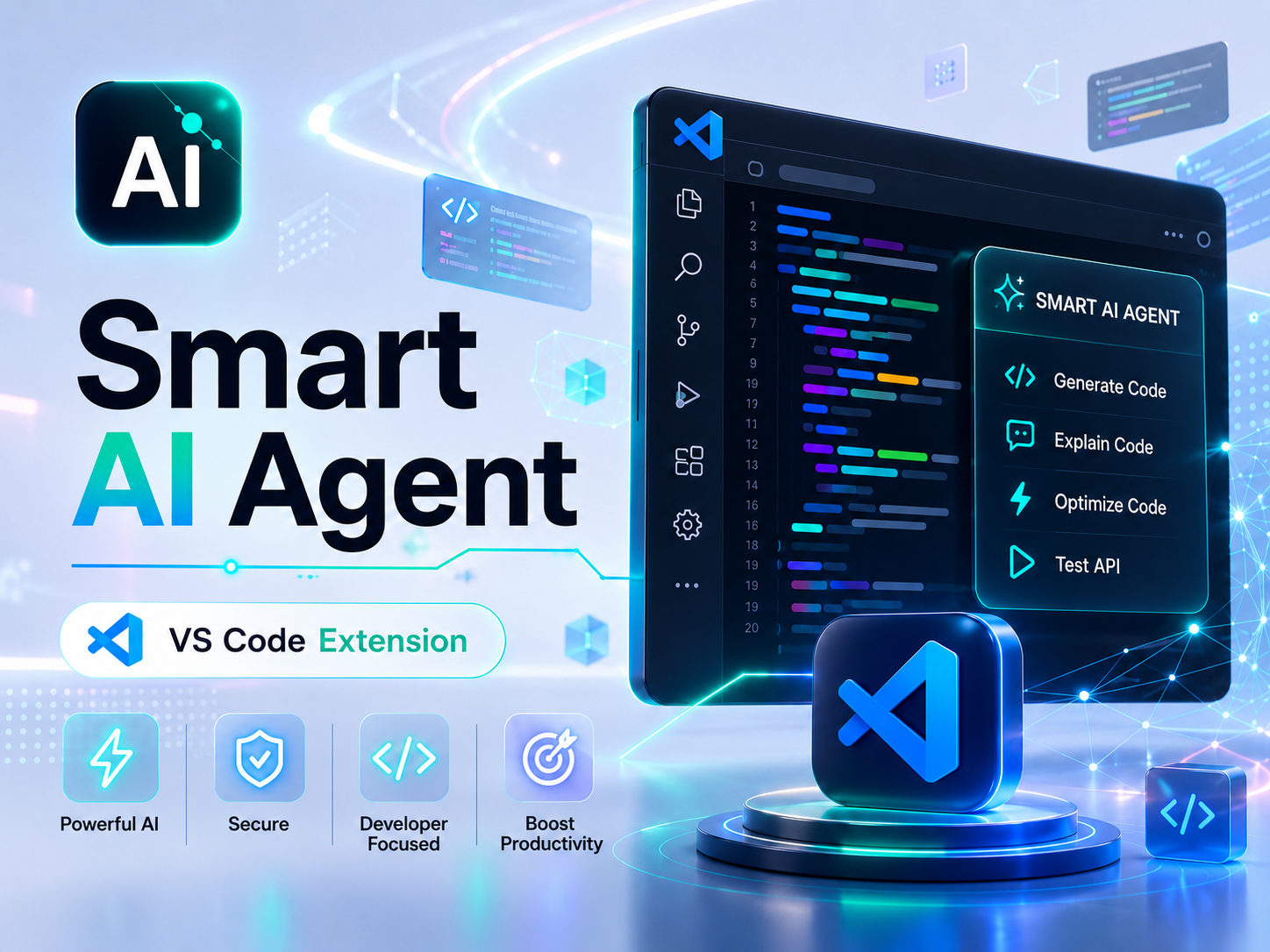
Smart AI Agent opens from the Activity Bar, keeps the workspace visible, and feels like part of the editor instead of a separate browser tool.
Free VS Code agent extension powered by Smart Routing AI Model.
Smart AI Agent is a free VS Code extension for developers who want a focused agent workflow inside the editor. It connects to Smart Routing AI Model with a service token, supports public model aliases, quota visibility, task history, controlled permissions, local command execution, and workspace diffs.
VS Code extension
Smart AI Agent is a free VS Code extension that brings an agent-first coding workflow into the Activity Bar. It is designed for developers who want an AI coding assistant that can inspect a workspace, run commands with controlled permissions, edit files, review changes, and keep task history in a focused developer UI.
The extension connects to the AI-tools Smart Routing AI Model. The extension itself is free, and the starting Smart-Route Mini model is also free, so a new user can install it, generate a service token, and test agent workflows without paying first.
Smart AI Agent is now available on the Visual Studio Marketplace. Install it from the normal VS Code Extensions UI, open the Smart AI Agent Activity Bar icon, add your Smart Routing token, and start using the agent inside your workspace.
Smart AI Agent opens from the Activity Bar, keeps the workspace visible, and feels like part of the editor instead of a separate browser tool.
The agent can inspect files and run shell commands using read-only, workspace, or full-access permission modes chosen by the user.
Users choose public model aliases such as smart-route-mini, smart-route, smart-route-deep, or smart-route-turbo according to their active Smart Routing plan.
After a task finishes, the extension summarizes completed work and shows changed files in a collapsed review with VS Code diff opening.
How it works
In VS Code, open the Extensions view from the left Activity Bar. This is the standard Marketplace installation area.
Search for Smart AI Agent and check that the publisher is ai-tools-mihajlo. You can also use the Install from Marketplace button on this product page.
Click Install on the Marketplace listing. If VS Code asks for a reload, confirm it so the Activity Bar icon becomes available.
After installation, click the Smart AI Agent Activity Bar icon to open the agent sidebar inside VS Code.
Open the Smart Routing AI Model documentation, copy your service token, then use the token icon inside the extension to save it securely in VS Code SecretStorage.
Use cases
Usage model
The VS Code extension can be installed from the Visual Studio Marketplace without a paid extension license.
The initial Smart Routing public model alias is free and enough for first tests, safe inspections, and smaller coding tasks.
The extension requires a Smart Routing AI Model service token from the AI-tools API documentation page.
Larger Smart Routing plans unlock stronger public model aliases, higher daily/monthly quotas, and faster premium profiles.
Core scope available in the current product release.
Open Smart AI Agent from the VS Code Activity Bar and work inside the current editor workspace.
Connect the extension with a service token from Smart Routing AI Model documentation.
Choose public model aliases and switch between read-only, workspace, and full-access execution modes.
Keep previous agent tasks, rename them, delete them, and continue with the same context.
At task completion, review changed files and open VS Code diffs directly from the sidebar.
Your account already has active access for this product.
Recommended
Install Smart AI Agent from the Visual Studio Marketplace. Use the free smart-route-mini model to start, then upgrade Smart Routing only when you need larger quotas or stronger routing profiles.
Free Marketplace install and free Smart-Route Mini starter model
Account connected product
Each subscription can track status, expiry, payment history, API keys, and product-specific quotas from the account dashboard.