PHP-focused editor
A browser workspace for PHP projects, with room for frontend work and practical file editing.
Browser-based PHP editor with SSH projects and an AI coding agent.
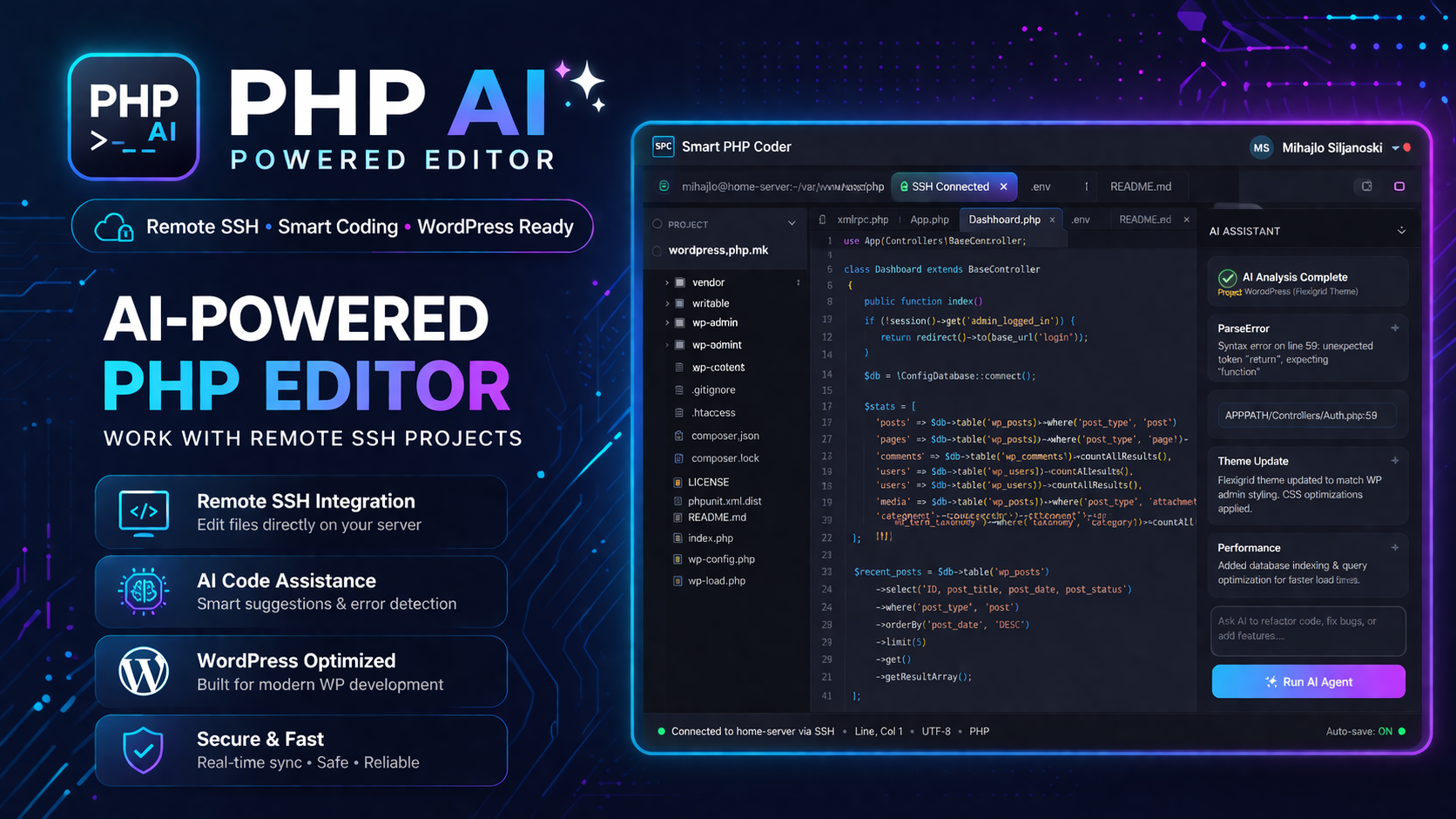
Smart PHP Coder is an independent browser-based development workspace for PHP developers. It supports remote SSH projects, saved project access per user, a VS Code-style interface, Monaco editing, and an AI coding agent that can help with refactoring, debugging, explanation, and larger implementation tasks.
Independent product
Smart PHP Coder is an external development workspace built for PHP developers who want to open remote projects from the browser, edit files in a familiar code-editor layout, and use an AI assistant without setting up a local IDE. It combines saved SSH projects, a VS Code-style layout, Monaco editing, terminal-oriented workflow, and an embedded AI agent.
The product is especially useful when work happens across shared servers, client hosting, quick fixes, and remote environments where local setup slows everything down.
A browser workspace for PHP projects, with room for frontend work and practical file editing.
Connect to servers through SSH and work against project files without copying them locally first.
Explorer, tabs, editor, and supporting tools are arranged for real coding sessions, not only quick snippets.
The AI assistant can help explain code, refactor, debug, analyze, and prepare larger implementation changes.
How it works
The user opens Smart PHP Coder in the browser and signs in to keep saved projects scoped to their own account.
Host, port, username, project root, and authentication method are entered so the workspace can open remote files.
Project folders, files, tabs, and editor actions are available directly in the browser workspace.
The embedded assistant can support refactoring, debugging, explanation, code review, and larger task planning.
Use cases
Usage model
Smart PHP Coder accounts, SSH projects, and workspace usage are managed on php.mk.
AI-tools links to the product and provides context, but does not control the editor workspace.
Users should prefer project-scoped SSH accounts and avoid broad server credentials when possible.
Core scope available in the current product release.
Edit PHP project files from a browser workspace with a developer-friendly layout.
Open remote project roots through SSH and keep saved connections scoped to the user.
Explorer, tabs, editor, and supporting tools are arranged for real coding sessions.
Helps explain, refactor, debug, analyze, and plan implementation tasks.